Dropline
A downloadable tool for Windows
Dropline sends files from your computer to a friends computer. Dropline does not require uploading. Dropline does not generate a link that expires in 7 days. Dropline does not refuse a file that's too large.
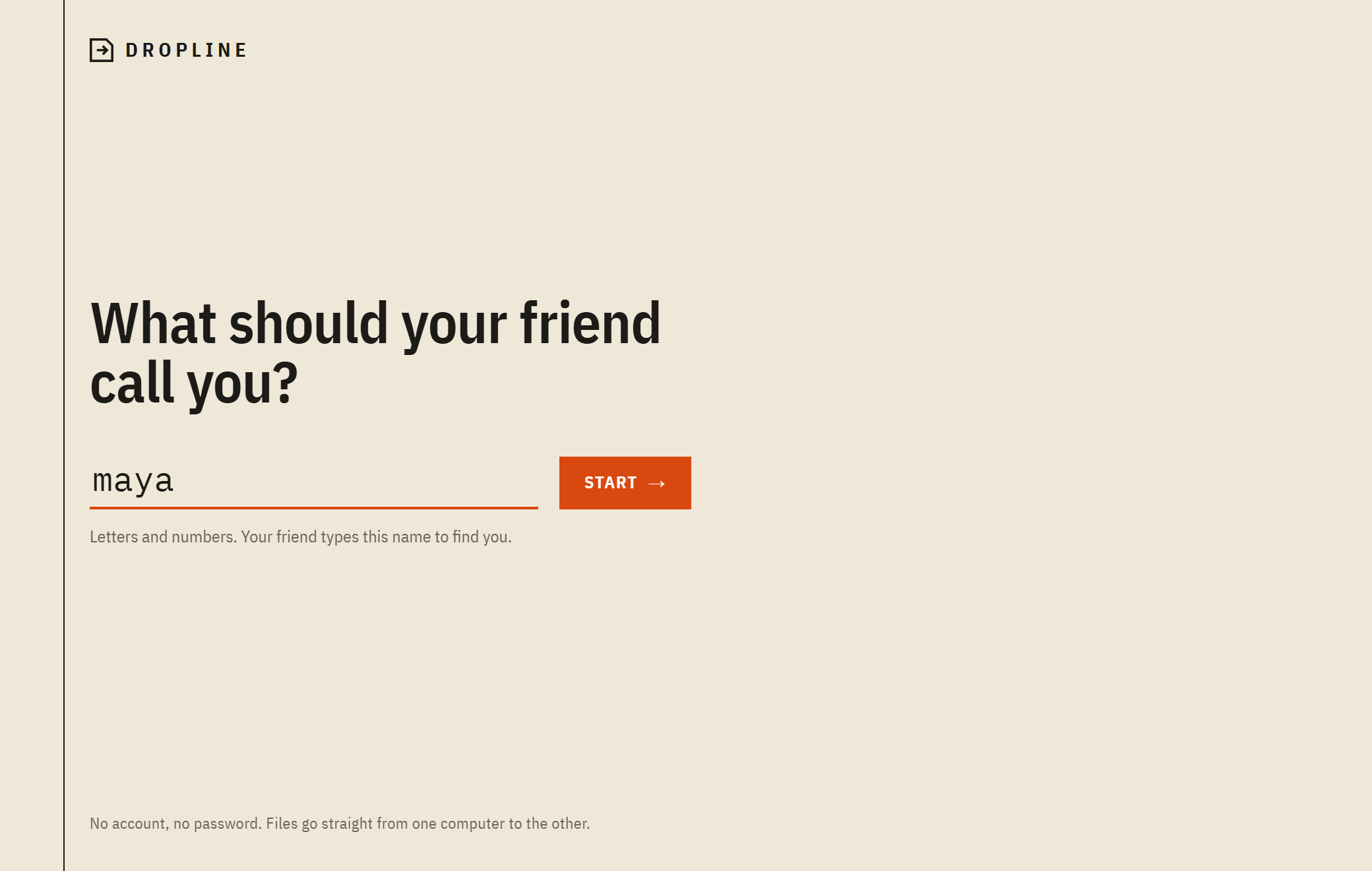
You pick a name. Your friend adds that name. Then you drag files onto the name. That is all that Dropline does.
I made Dropline because my friend and I kept trying to swap folders like game installs or recordings. Every other option was annoying. Discord gives you a few megabytes. Google Drive wants you to upload everything first. Then your friend downloads it again. USB sticks are never where you left them. We were in the room and it still took forever.
**What Dropline does**
- Dropline sends files and whole folders of any size. Nothing is uploaded anywhere. Dropline goes directly from one computer to the other and encrypts on the way.
- If the connection drops or one of you closes Dropline Dropline continues where it stopped time. You do not have to start over at 80%.
- Every file is checked when it arrives. If something is damaged Dropline resends that file.
- If your friend is offline Dropline drops the files anyway. They will arrive when your friend opens Dropline.
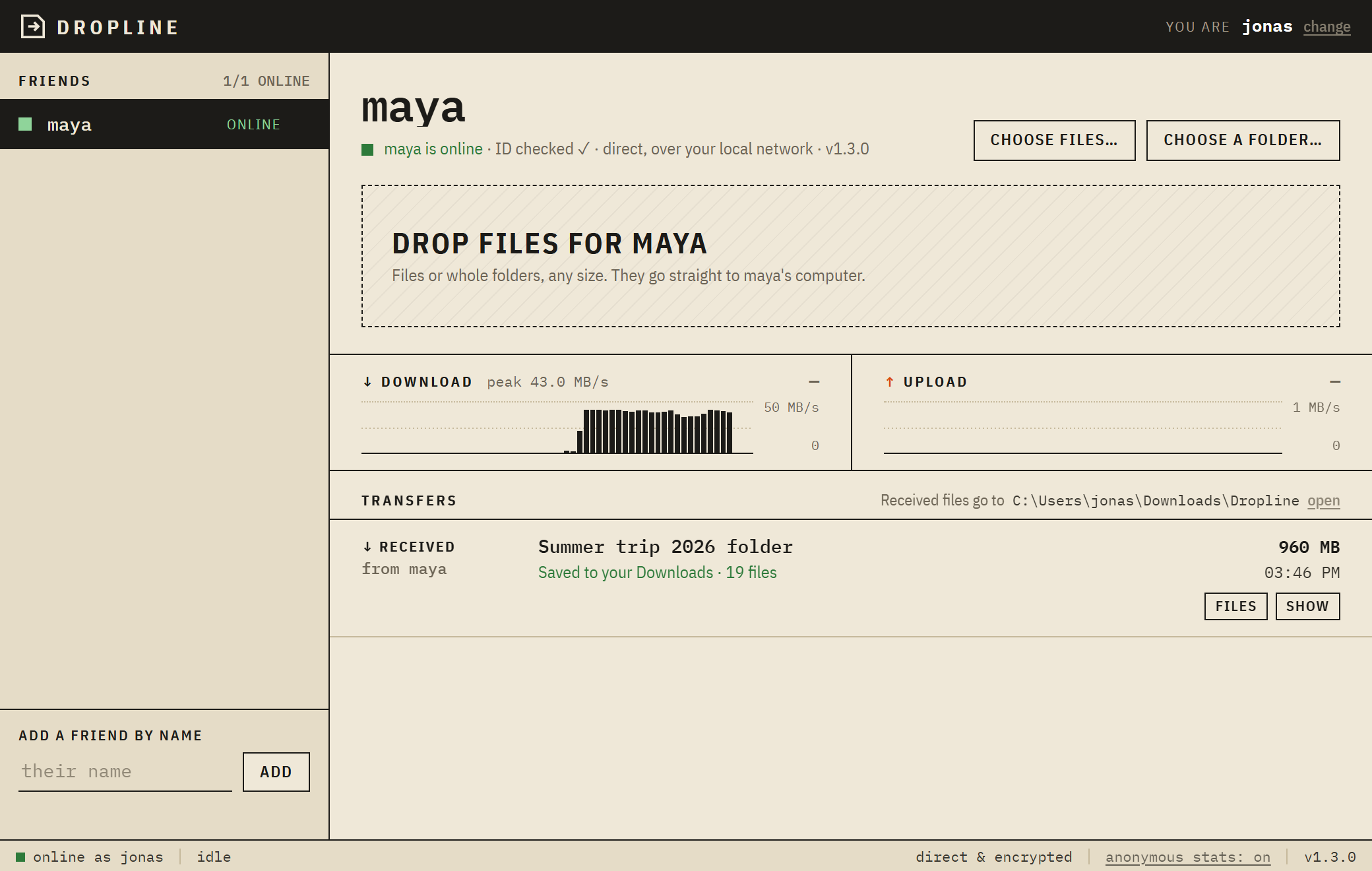
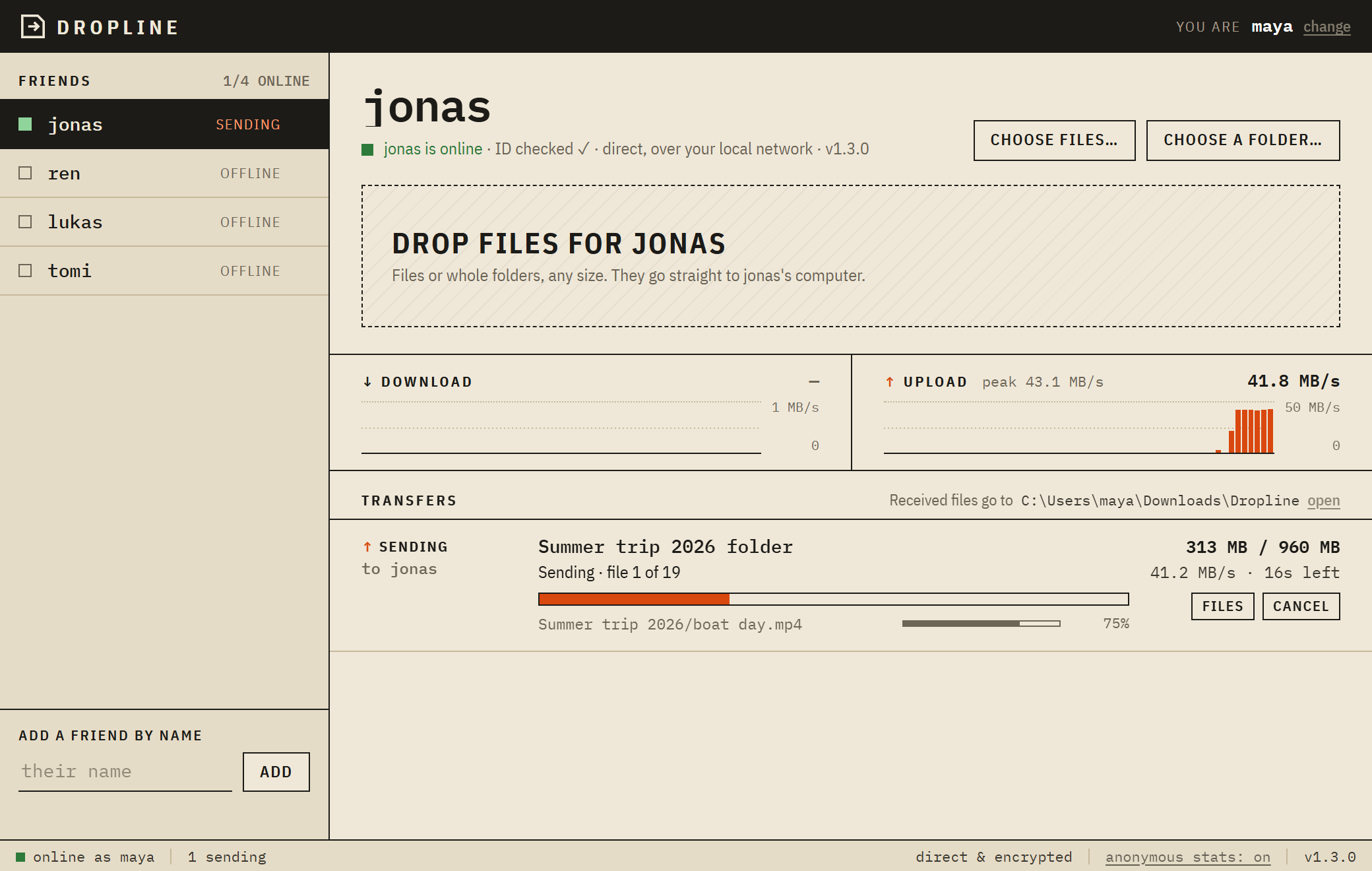
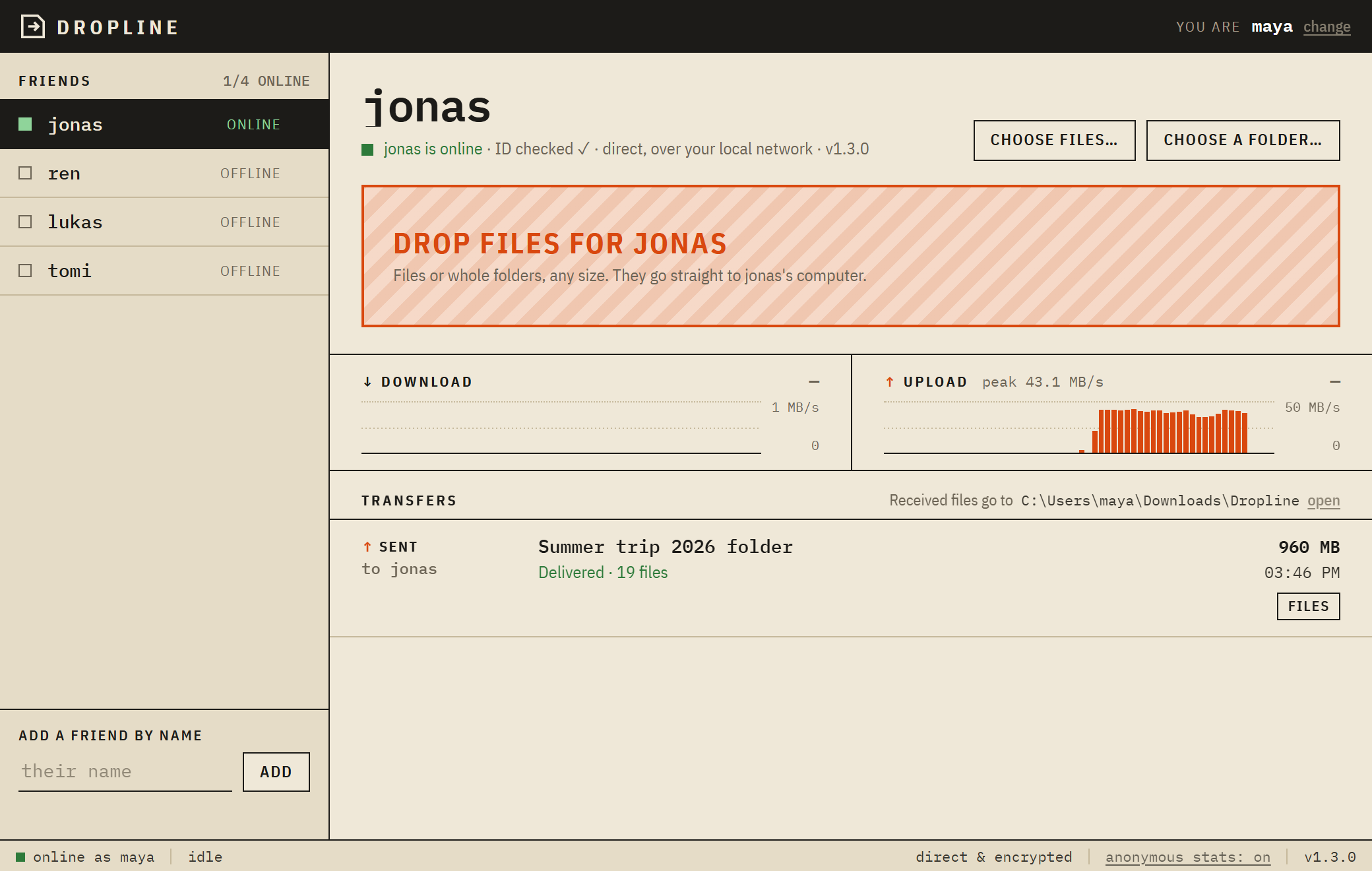
- Dropline shows upload and download graphs so you can see what is happening.
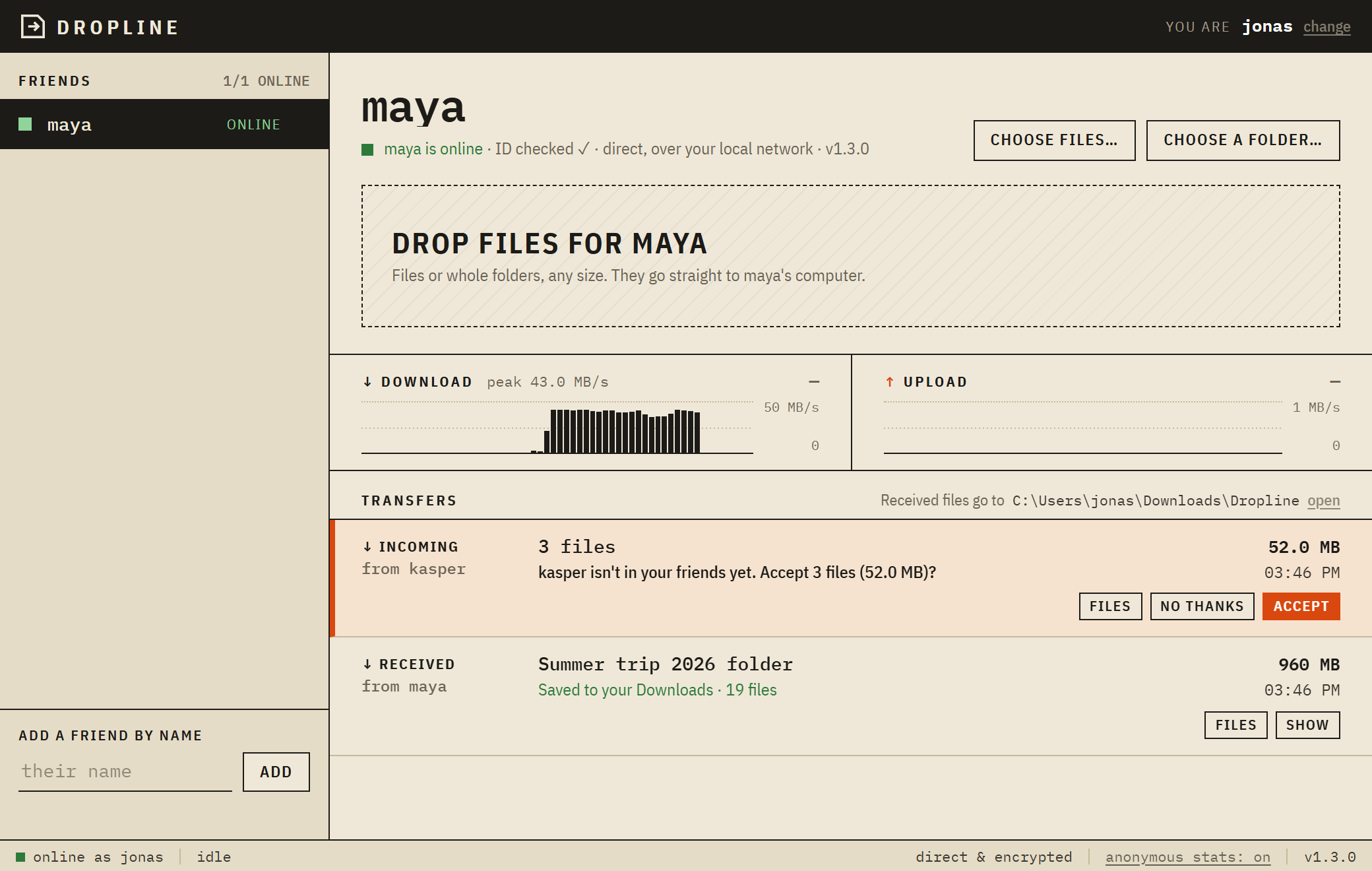
- If someone who is not on your friend list sends you something Dropline asks you first.
- Dropline updates itself.
**How to use Dropline**
1. Install. Pick a name.
2. Tell your friend your name. Your friend types it under "Add a friend”. Only one of you needs to do this.
3. Click your friend’s name. Drag files onto it.
Files end up in **Downloads > Dropline**.
**Stuff you should know**
- Both of you need Dropline open for files to move.
- Speed depends on your network, not Dropline. On a home Wi‑Fi expect a few megabytes per second up to around 15. A cable connection is much faster. Phone hotspots are slow sorry that is the hotspot.
- Some school, work and hotel networks do not allow computer connections. If your friend shows online but nothing moves that is probably why.
- Windows will probably show a blue "Windows protected your PC" box the first time. That happens because Dropline is not code signed. Click " info" then "Run anyway”.
- Dropline is only for Windows for now.
**Privacy**
Your files never go through a server. To find each other, Dropline and Dropline use a public matchmaking service that only passes connection details back and forth never file data.
Once a day Dropline sends me a ping: a random ID, the version number and whether you are, on Windows 10 or 11. That is the way I know if anyone is using Dropline. No names, no files, no IP addresses. You can switch it off in the right corner of Dropline and everything else works.
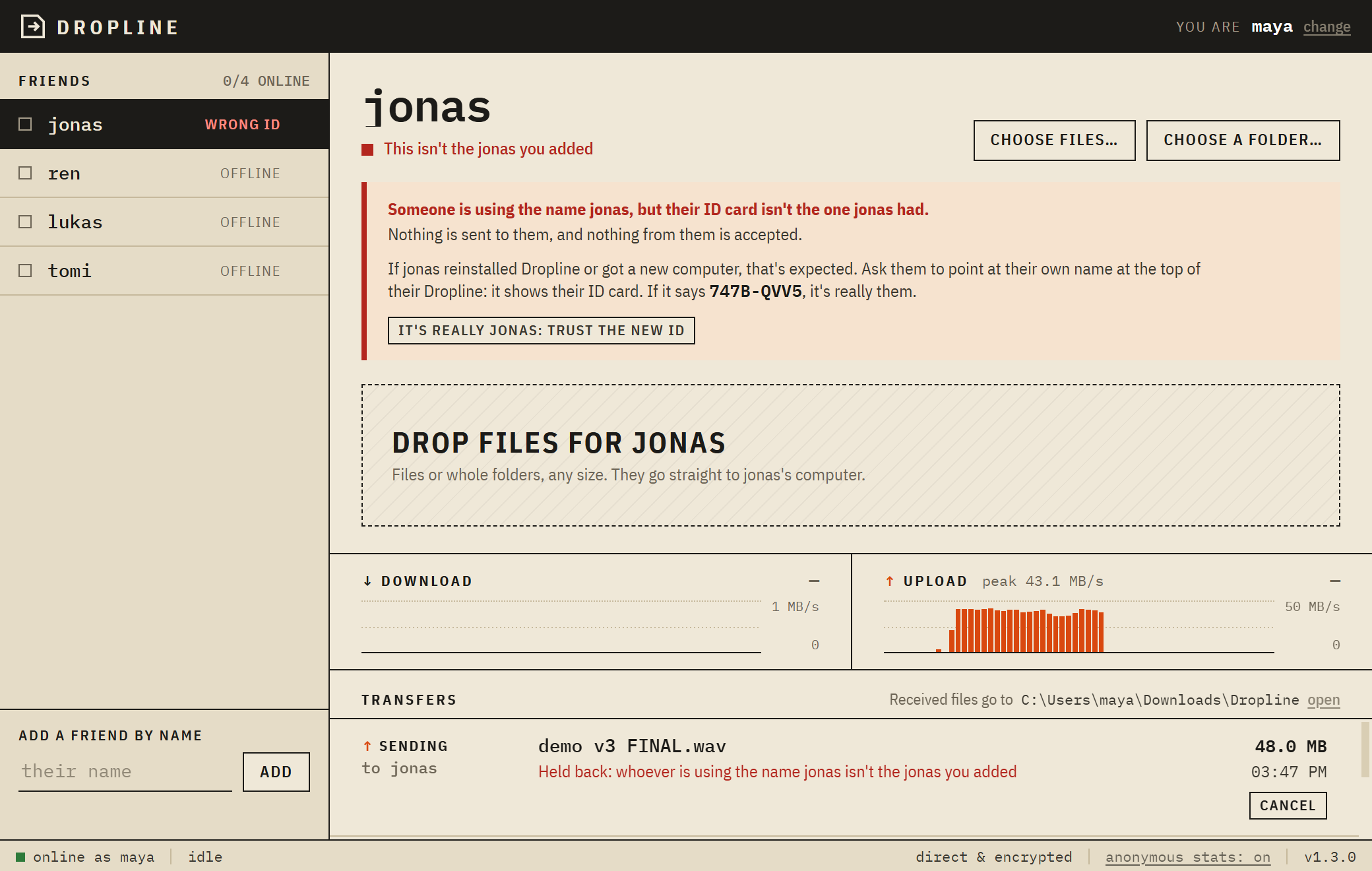
Nobody can pretend to be your friend. Every Dropline has its ID and if someone else takes your friend’s name Dropline will not send them anything and will tell you.
This is a one person project. If something breaks or you have an idea leave a comment below. I read all of them.
Download
Leave a comment
Log in with itch.io to leave a comment.